



Cogito (beta). Pronounced koh-gee-toh.
A quiet, beautiful, native app for your (and your agents’) Markdown files.
Built for power users and developers, but with simplicity and minimalism in mind. It's fast, polished, and a pleasure to use.
macOS Tahoe 26 required
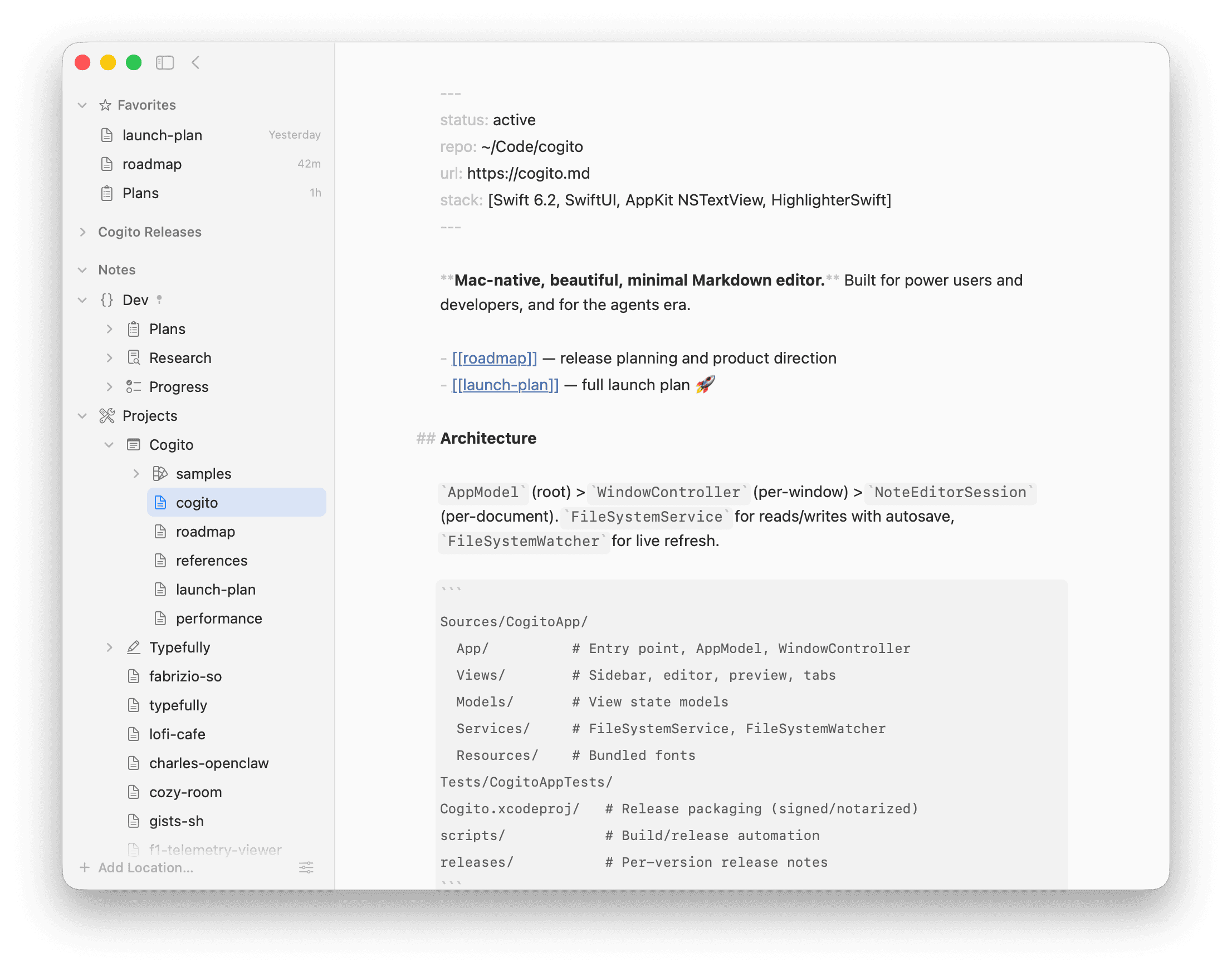
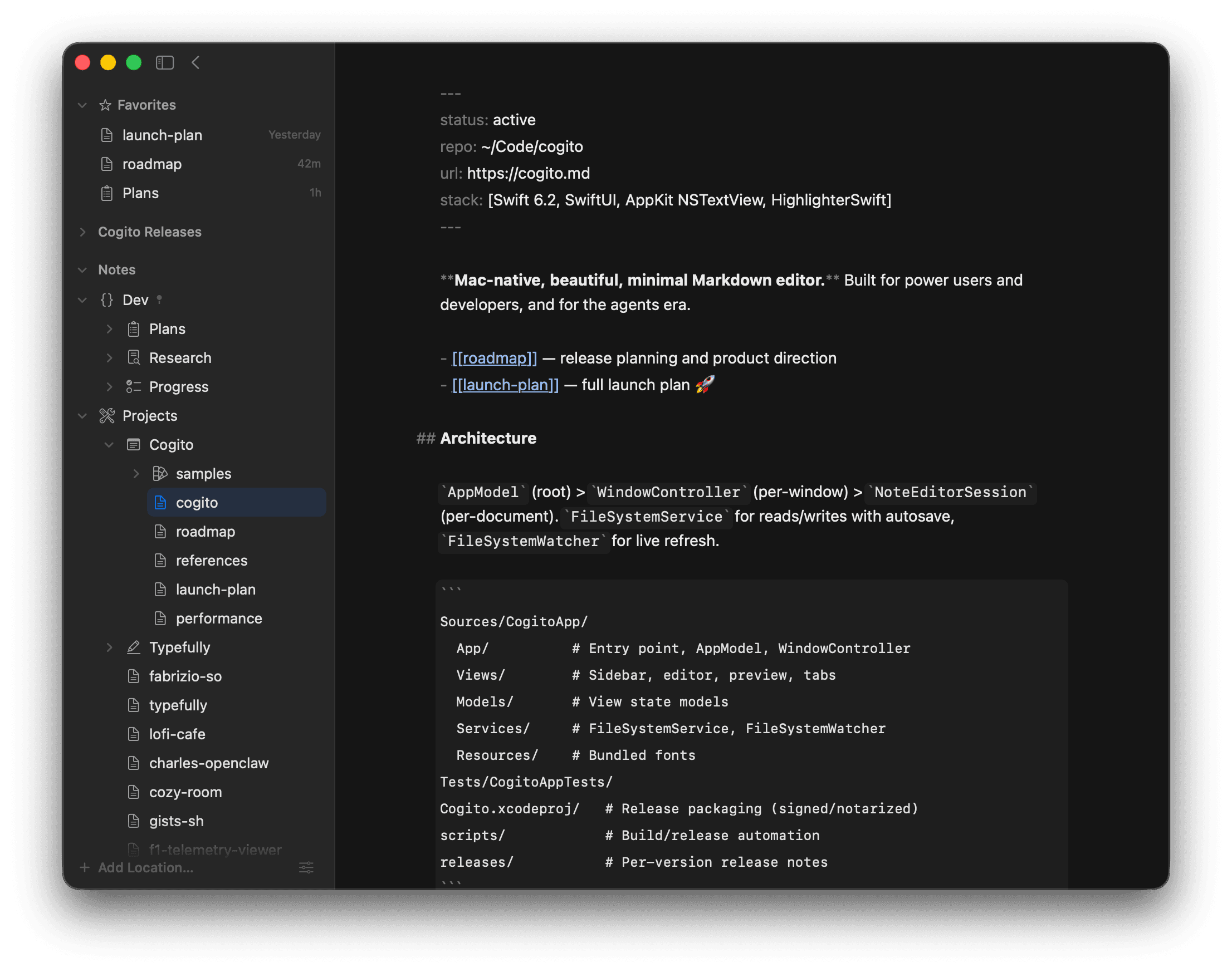
Writing
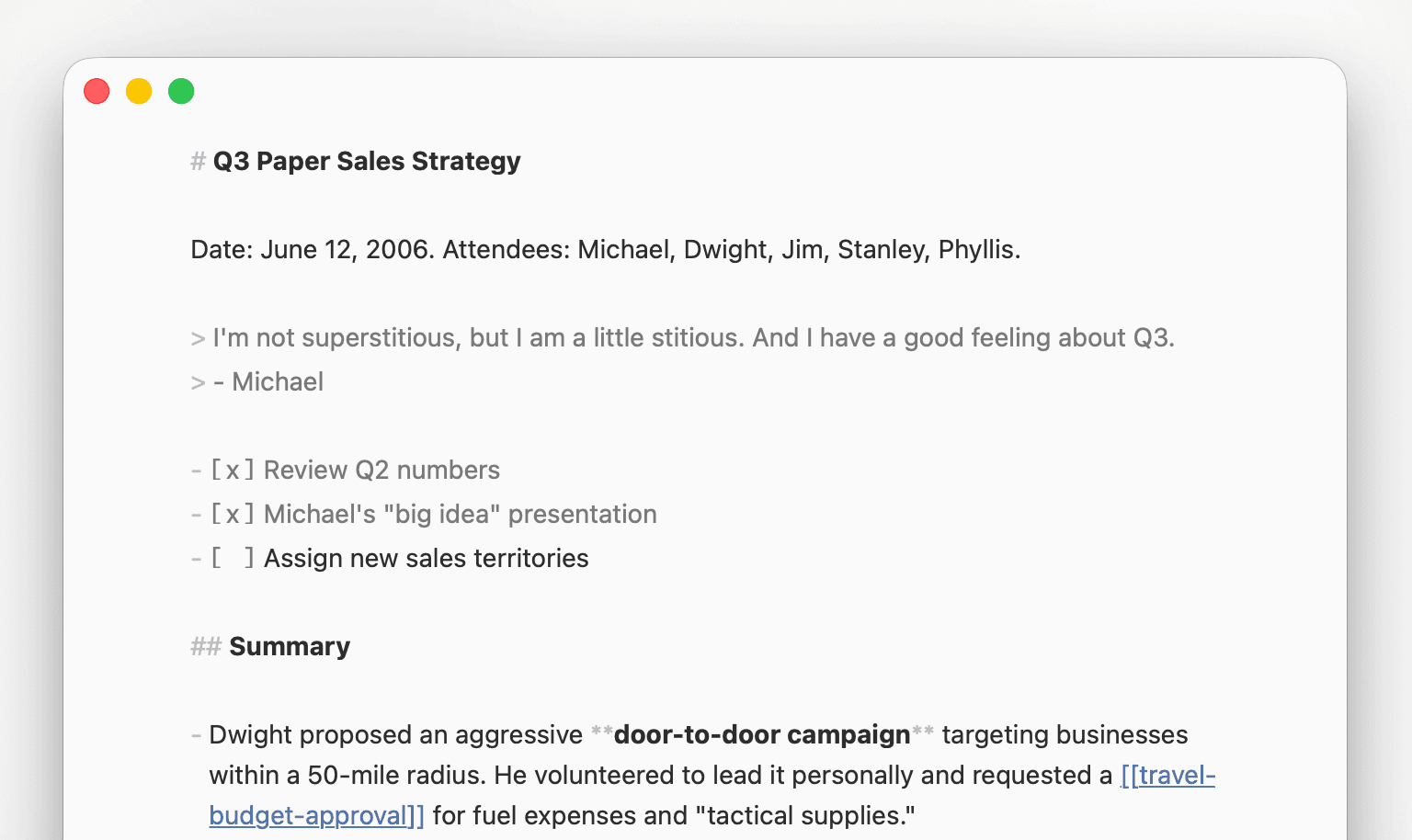
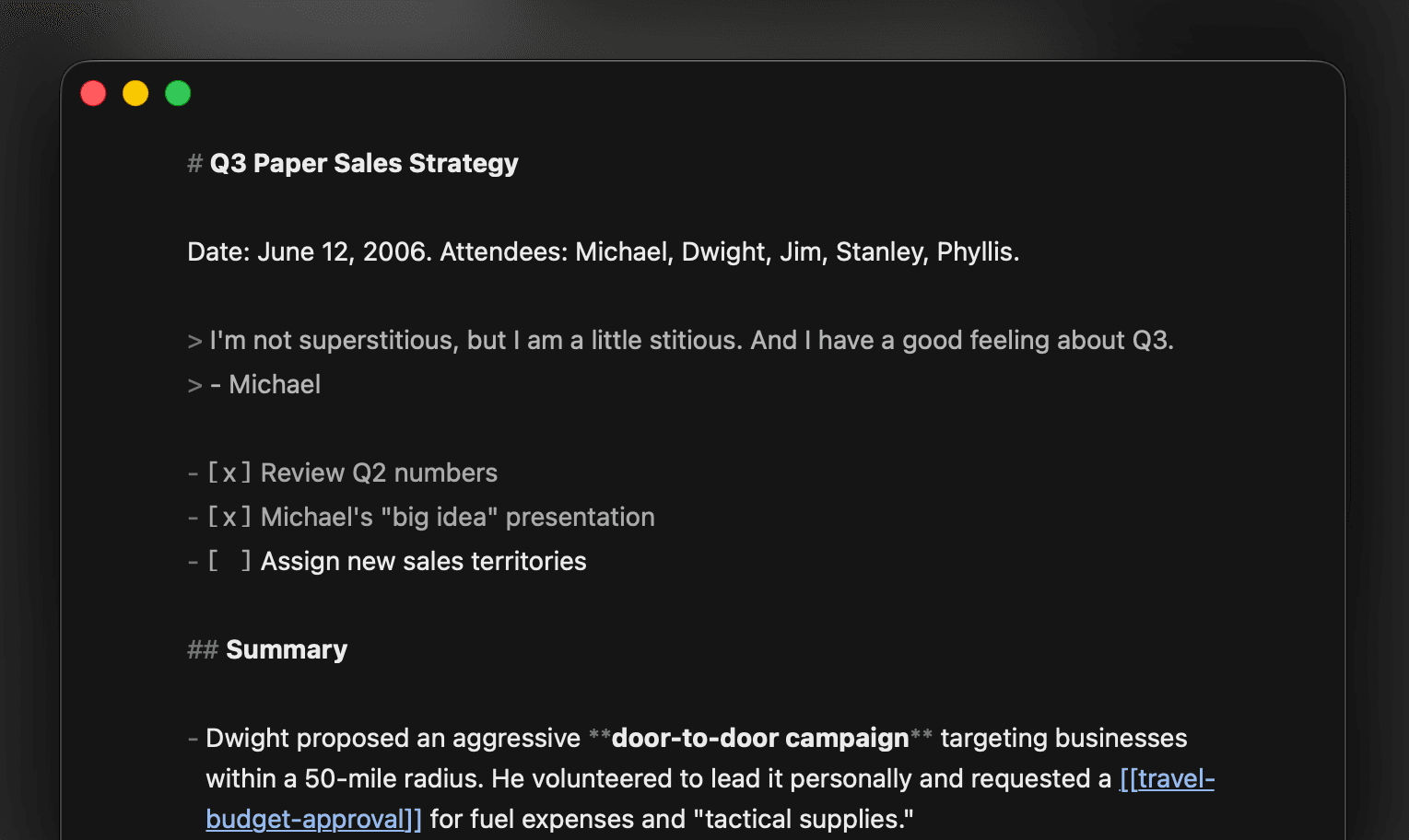
Write Markdown like it was meant to be written.
Everything you’d expect from a modern Markdown editor, as a beautiful native Mac app.
- Drag-and-drop images and media inline
- Syntax dims so your prose stays readable
- Shortcuts for bold, italic, links, tasks
- Smart lists with auto-renumbering and indentation
- Curated typography with customization
Navigation
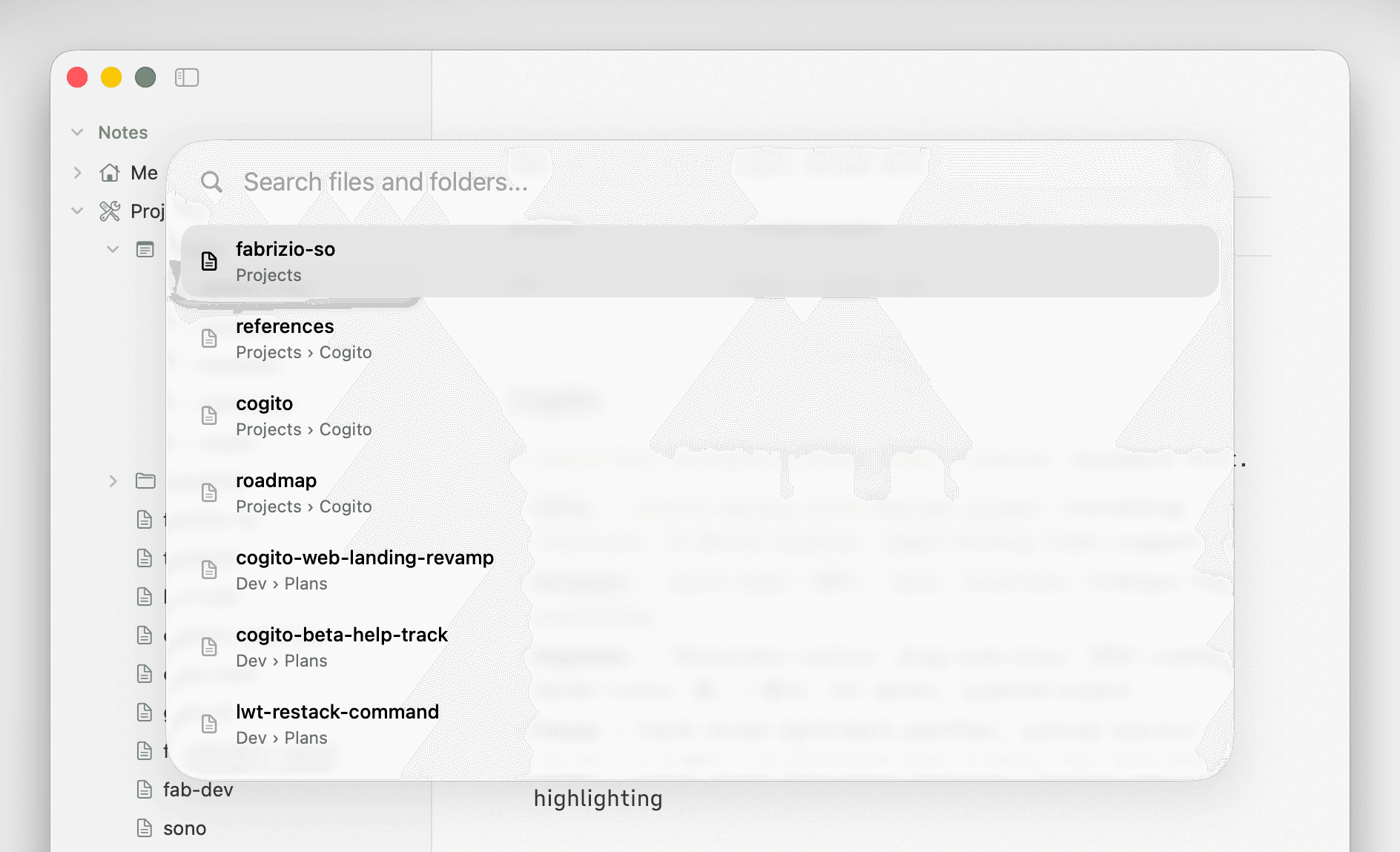
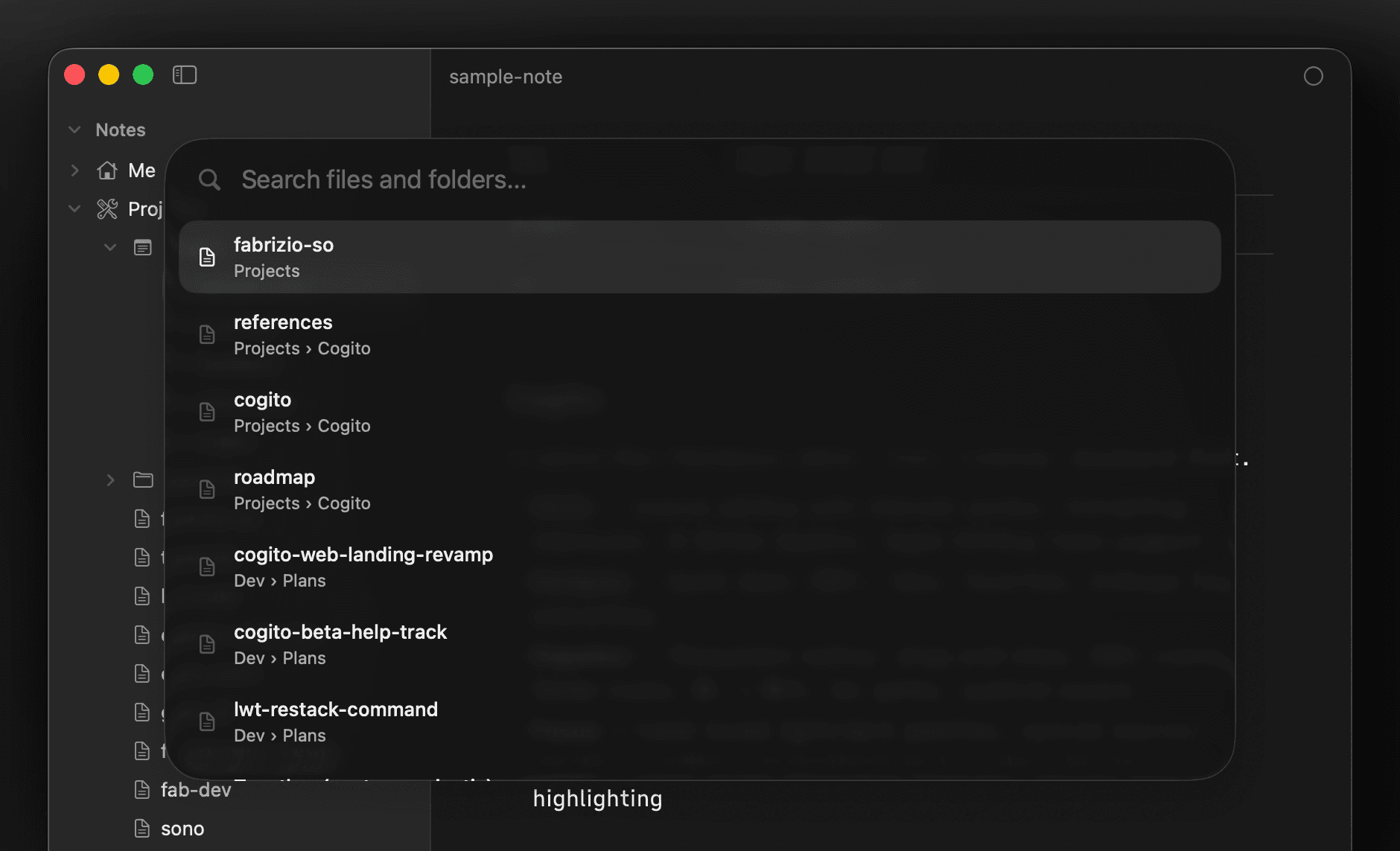
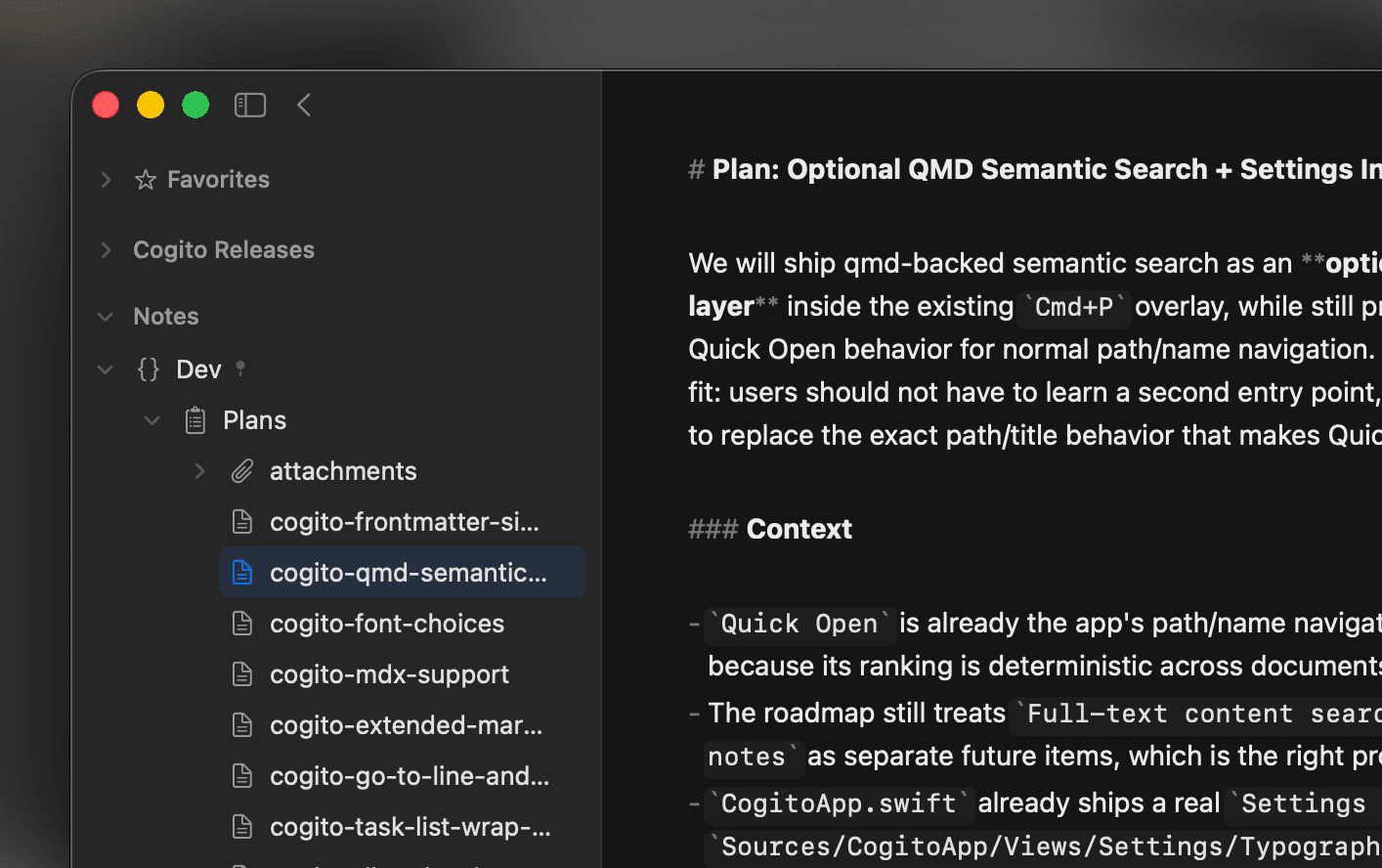
Find any note in an instant.
Your entire workspace is always within reach, no matter how many files you have.
- Quick Open (⌘P)
- Open files in tabs
- Favorites and pinned notes and folders
- Drag-and-drop to reorganize in the sidebar
- Add any folder as a location
For agents and humans
A home for your agents’ Markdown, too.
Your notes live as plain files on disk, ready for any tool or workflow to read and write.
- Plain Markdown any tool can read and write
- No sync service or database in the way
- 200+ custom folder icons
- Blazing fast with files of any size

Crafted details
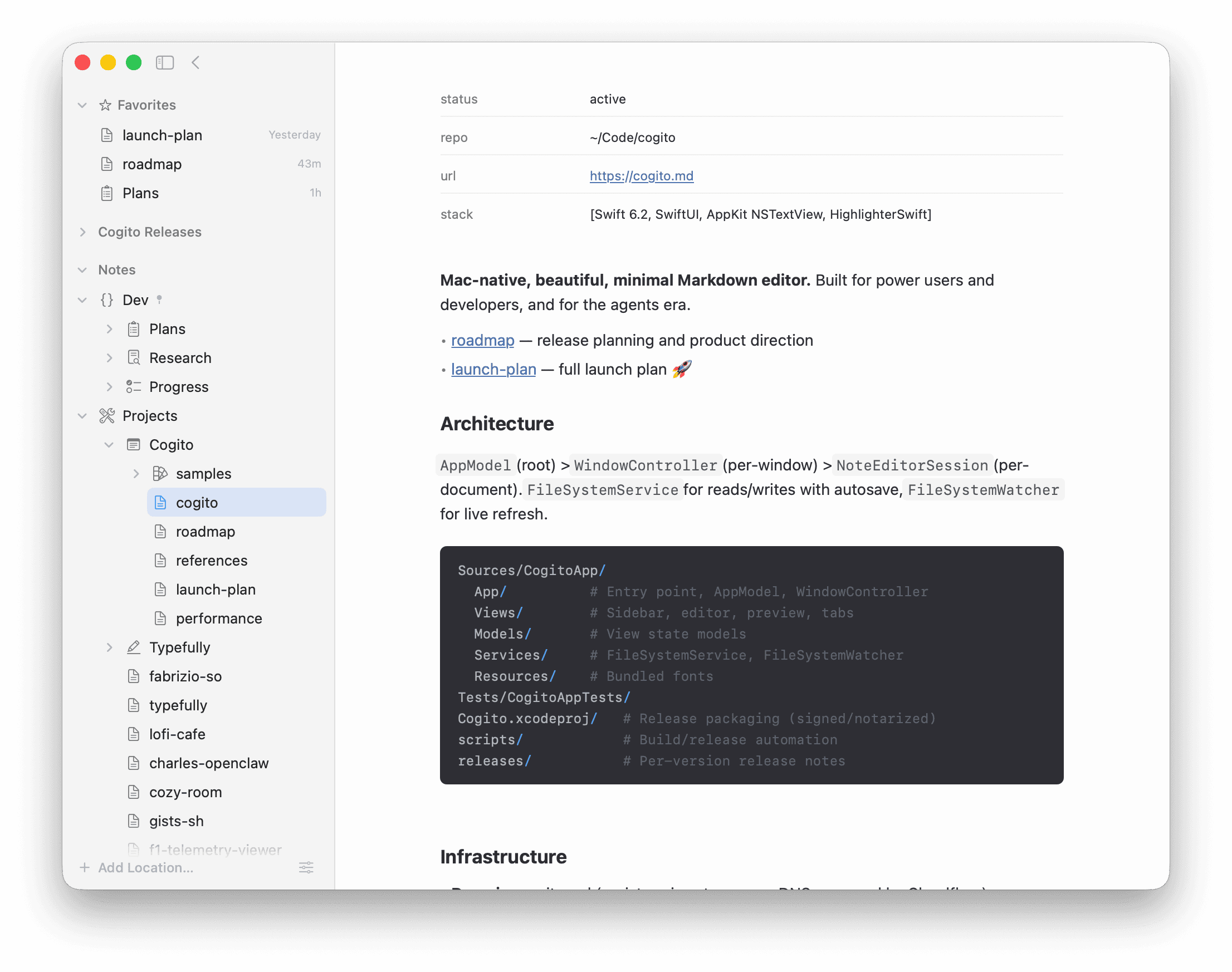
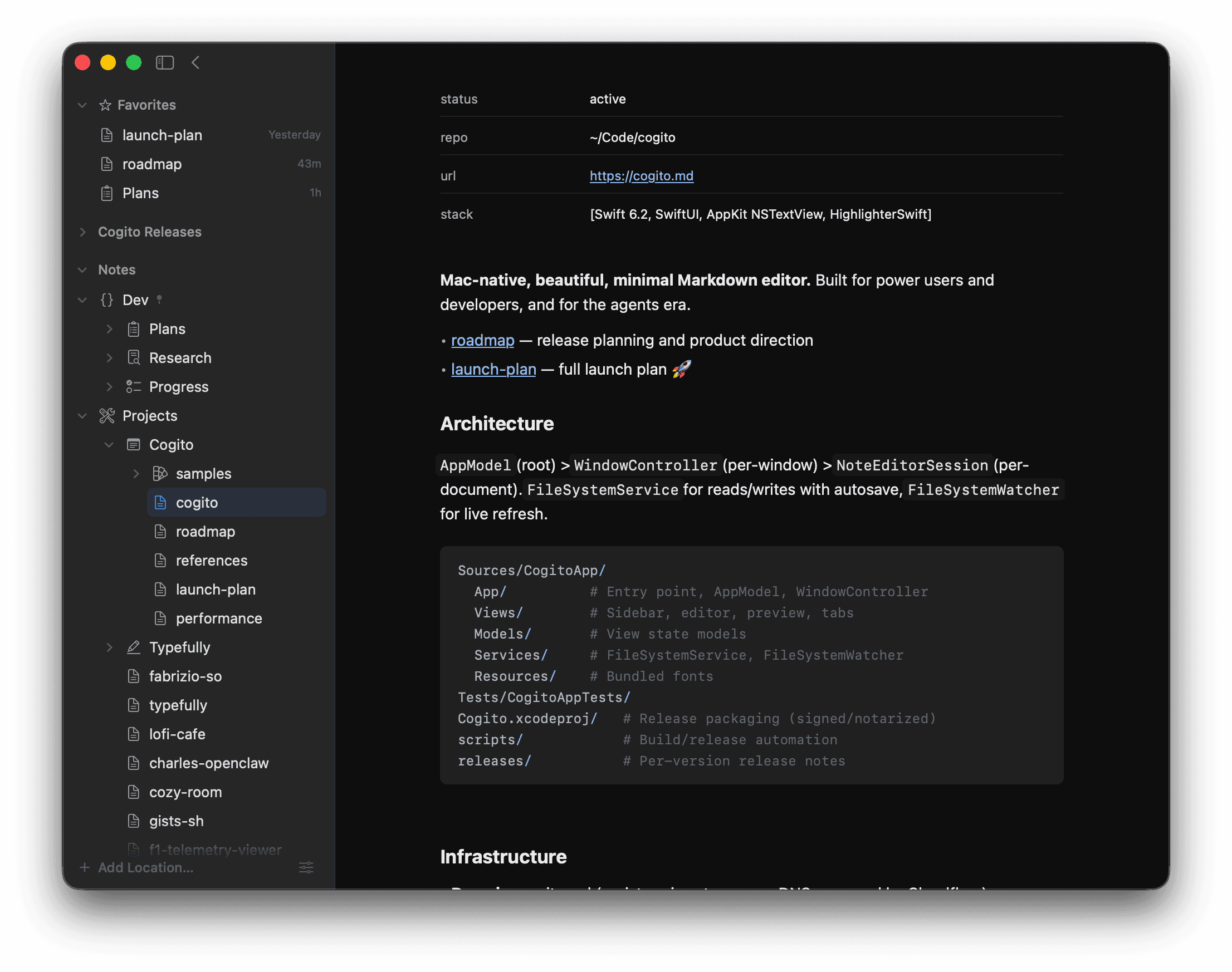
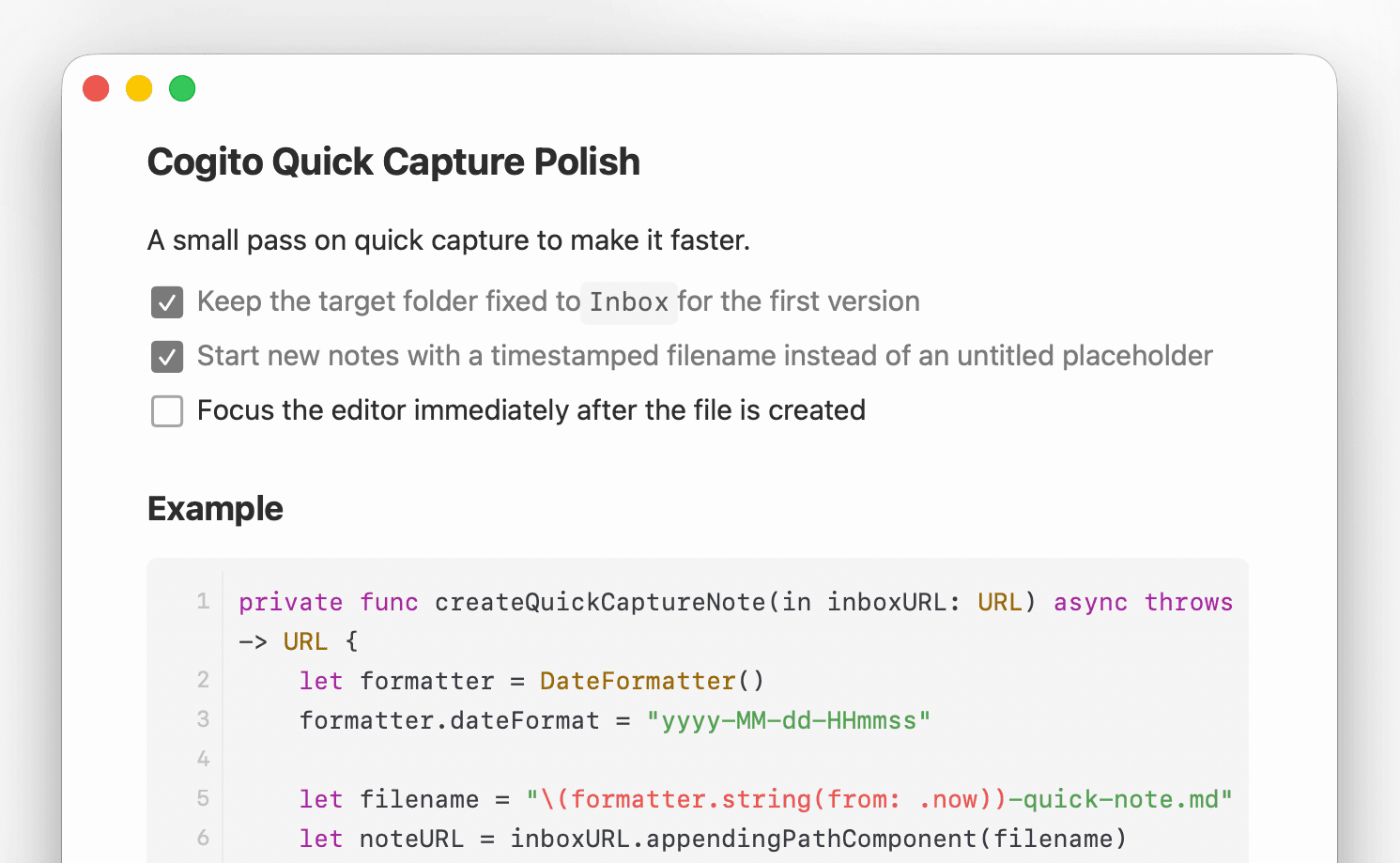
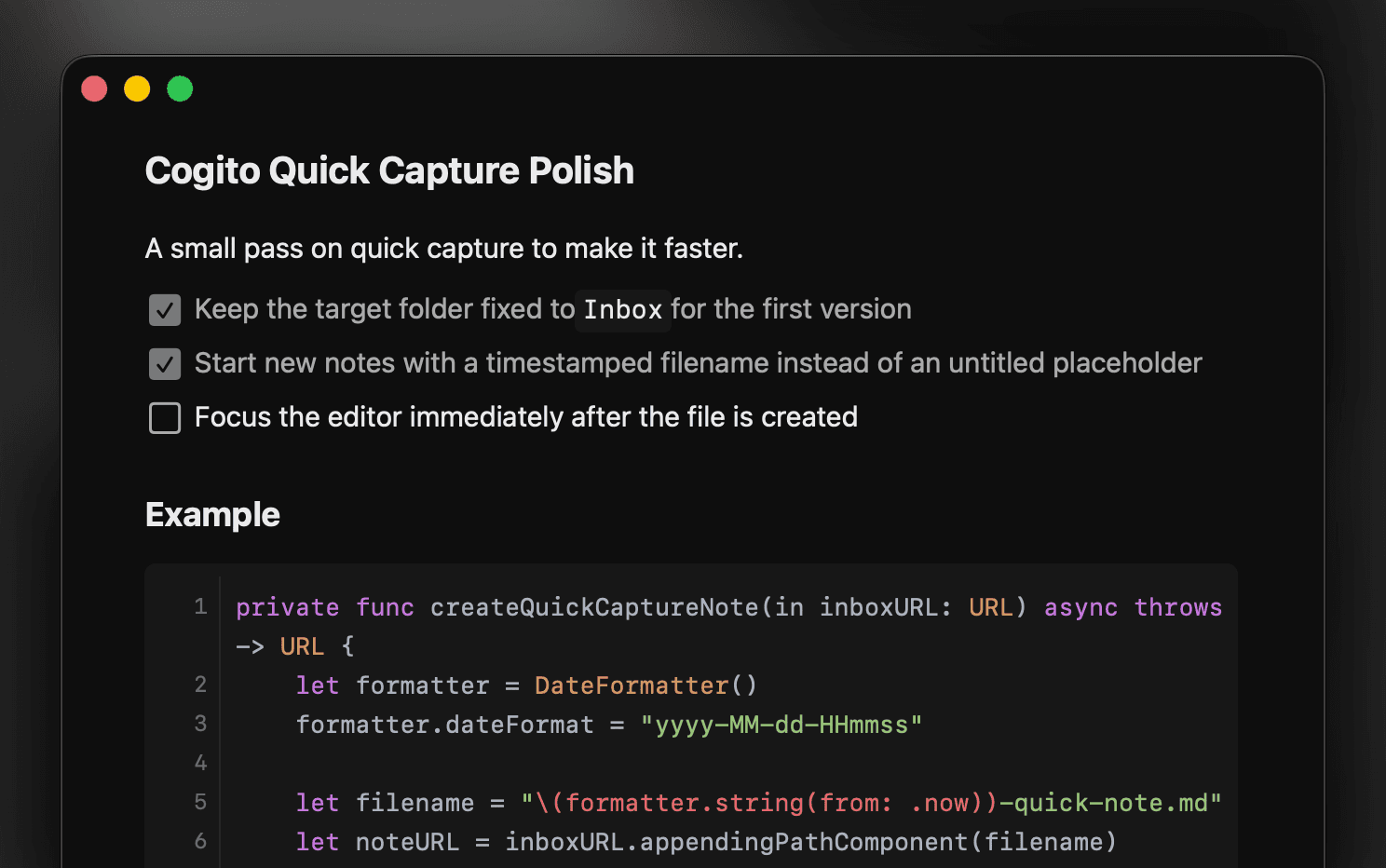
Native editor and preview, built as one.
A fast, native editor paired with a pixel-perfect preview. Every detail hand-tuned for focus and speed.
- Synced source and preview scrolling
- Syntax highlighting for 20+ languages
- Instant rendering, even on large files
- Tables, Mermaid diagrams, math, and more
At a glance
Know your document, without reading it.
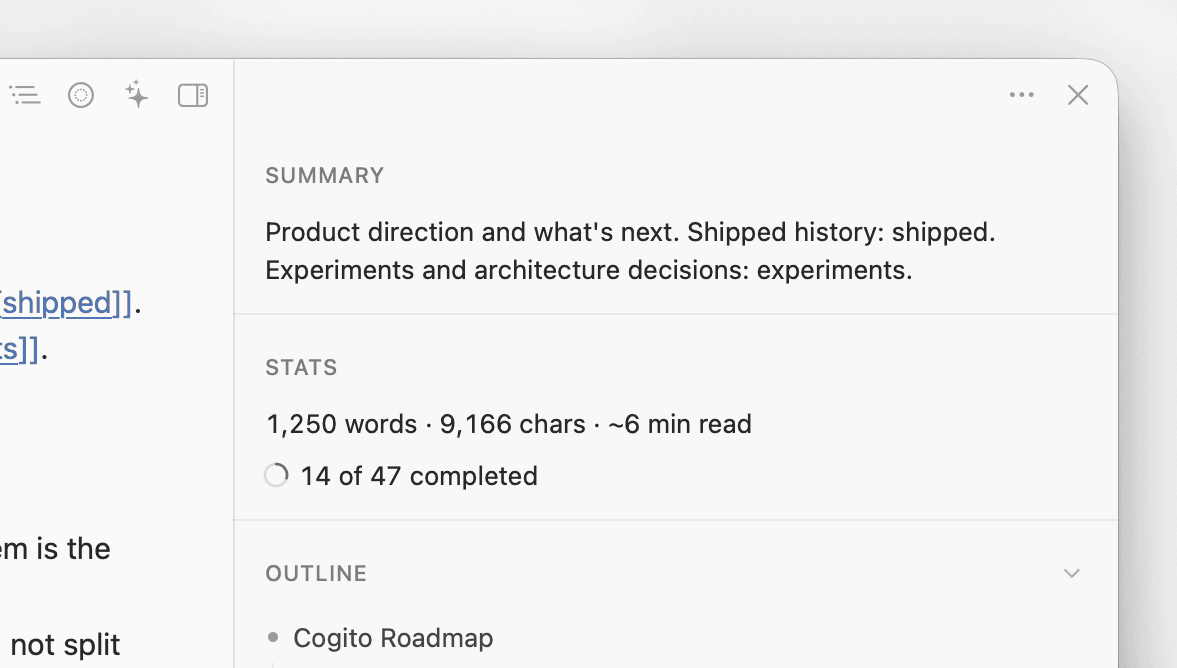
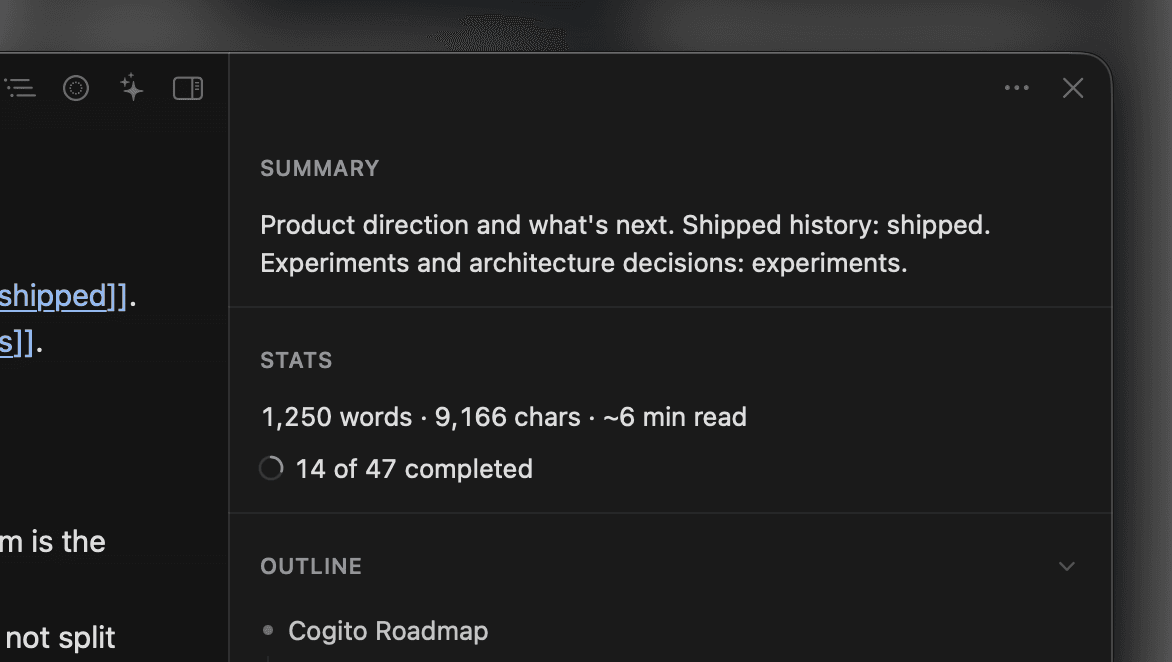
Open the info sidebar to understand any document at a glance, no matter how long.
- AI-generated summary of your document
- Word count, characters, and reading time
- Task completion tracking
- Live document outline
Power features
More than meets the eye.
Simple on the surface, packed underneath. A minimal writing app built for power users.
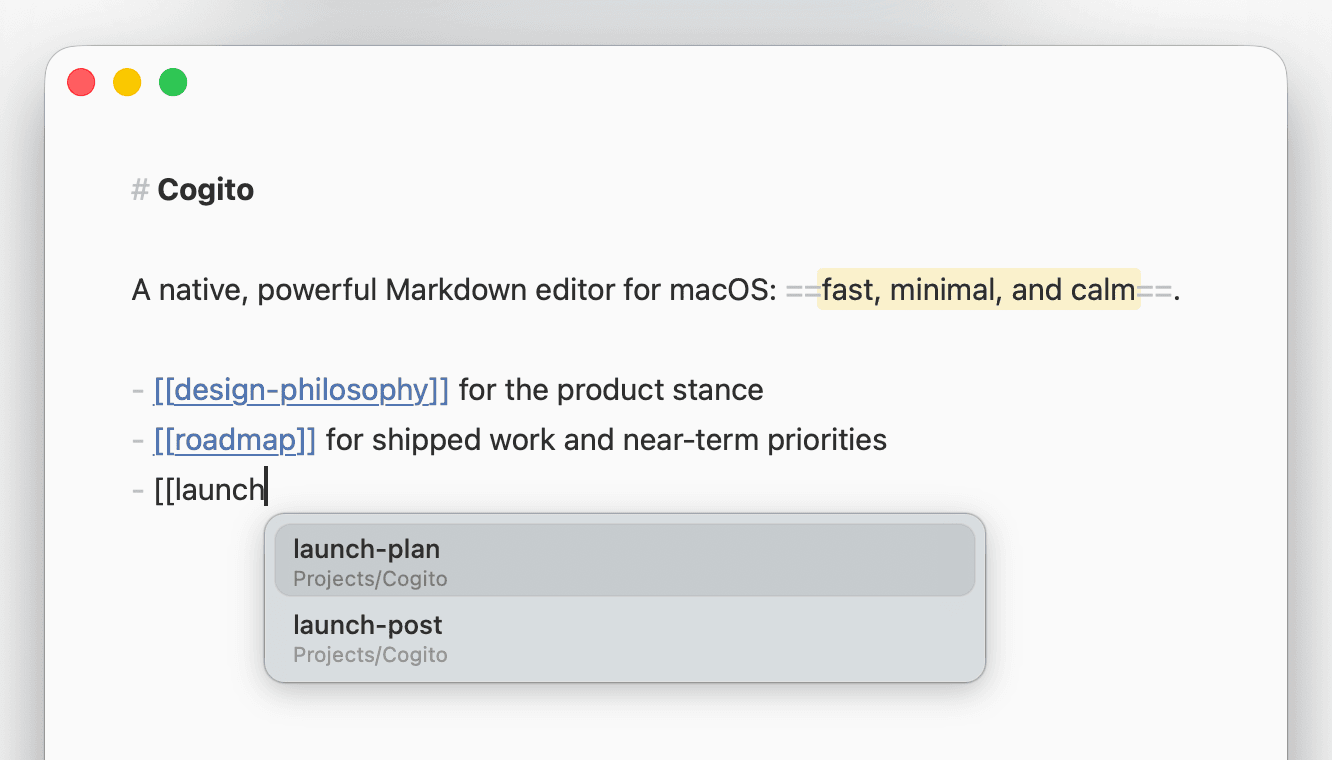
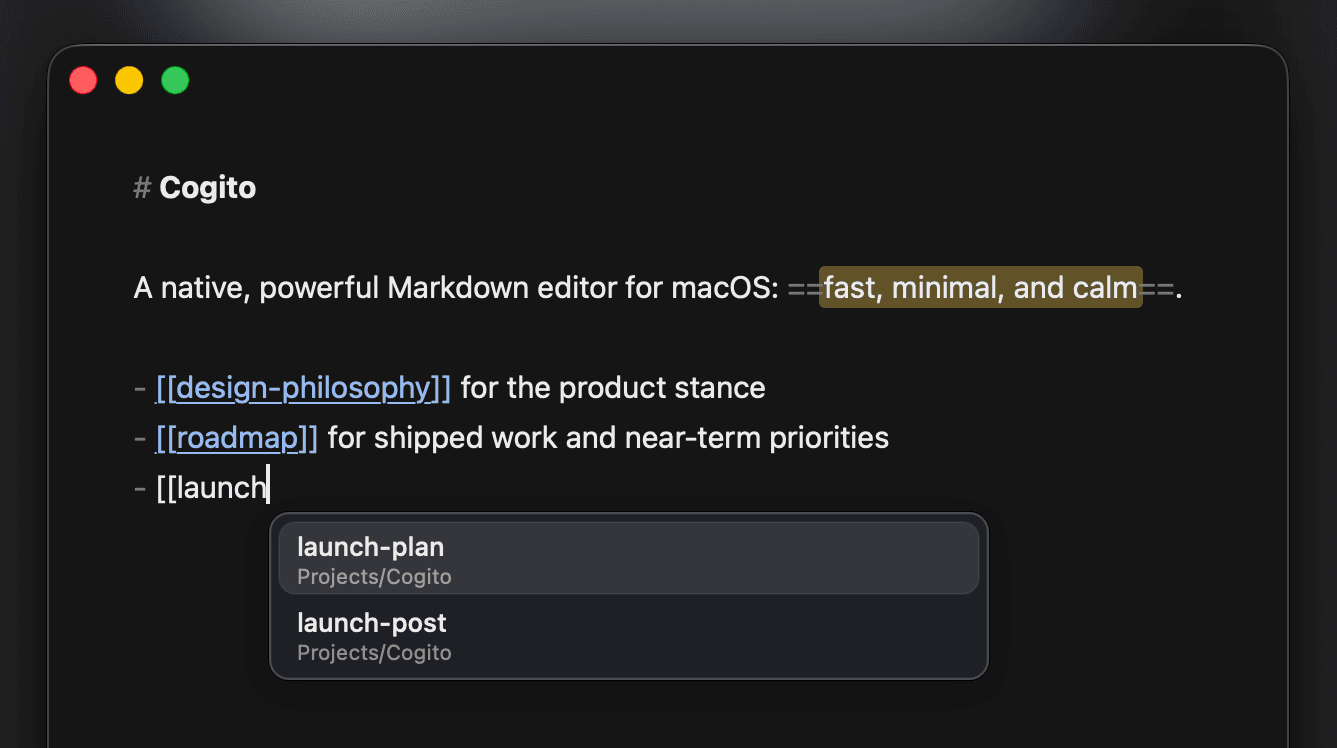
- [[Wiki links]] with live resolution
- Obsidian-style ![[Embeds]] supported
- Clickable task checkboxes
- Export preview as a polished PDF
Typefully
From draft to published, without leaving your editor.
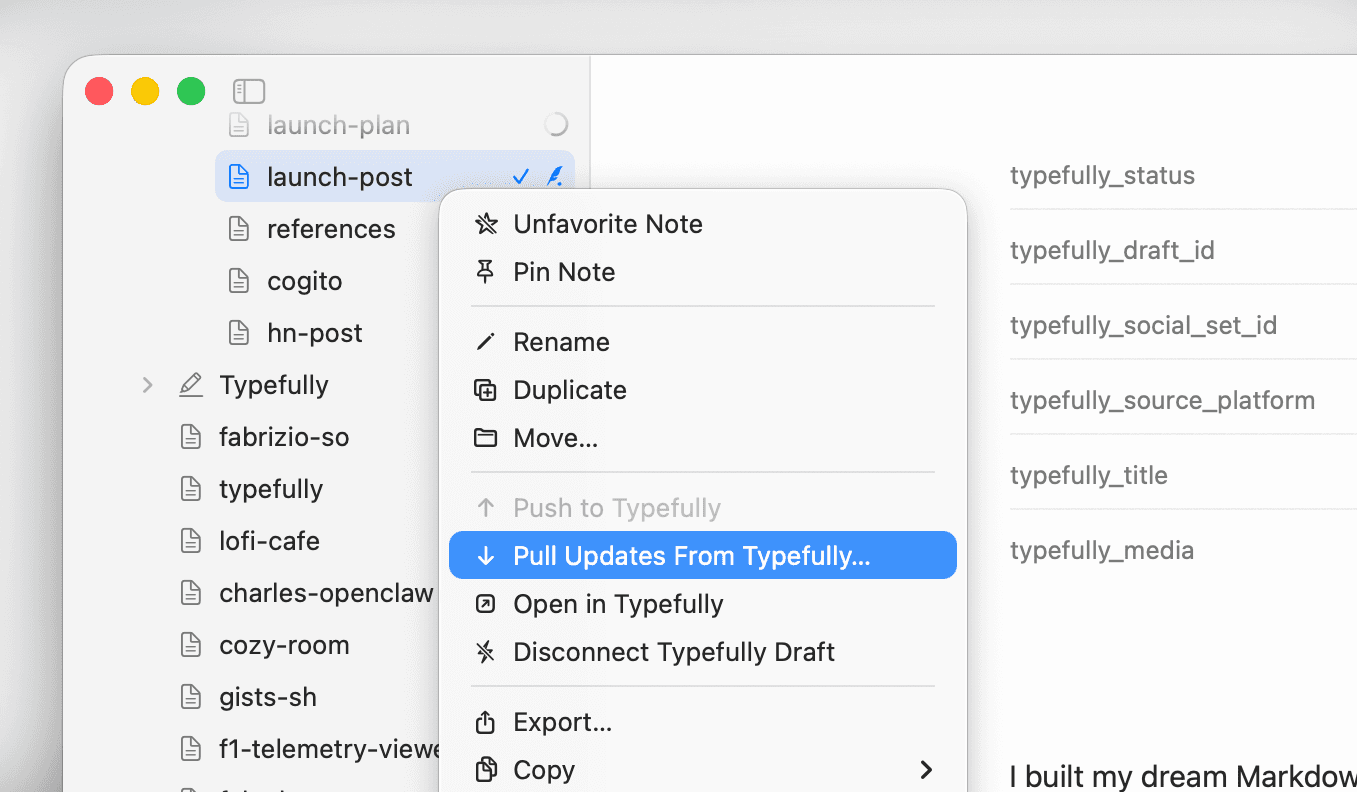
Write in Markdown, publish to X and LinkedIn with Cogito’s native Typefully integration.
- Push a note to Typefully as a linked draft
- Pull remote changes back into your note
- Open in Typefully to schedule or publish
- Inline images uploaded automatically

Stay in the loop
Get notified about new releases and updates. No spam, unsubscribe anytime.